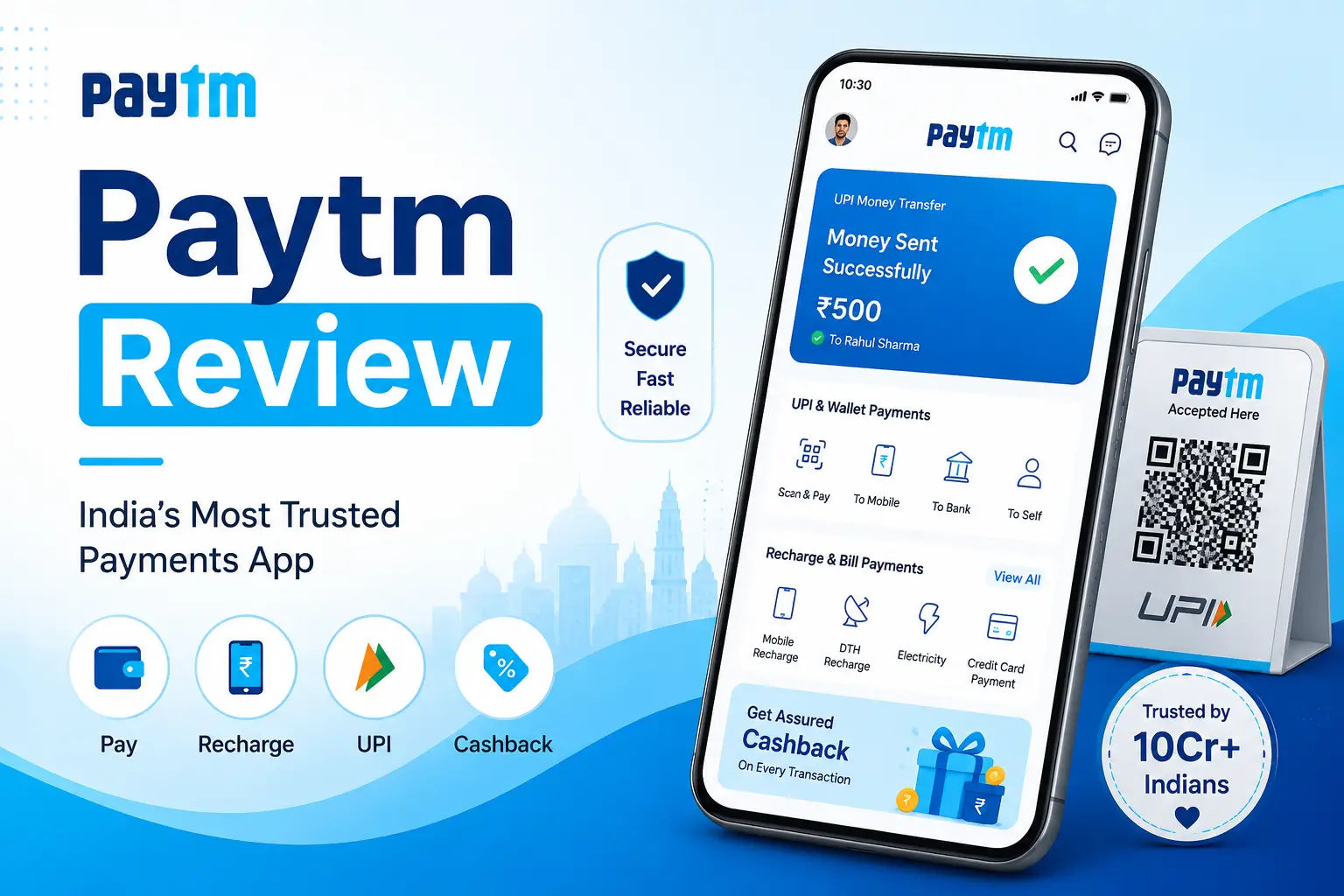
Paytm Review – My Honest Experience Using This Payment App
I still remember the first time someone told me to just “Paytm it” when I was fumbling for cash at a street food stall. That was a few years ago, and honestly, I had no idea what I was getting into. Fast forward to today, and this app has become one of those things I open almost without thinking. But is it actually worth all the hype? I decided to sit down and write a proper Paytm review — not the polished marketing version, but the real, day-to-day experience of someone who has actually used it for a long time.
So here’s everything I think you should know before you download it — or keep using it.
What is Paytm?
For anyone still new to it, Paytm is one of India’s most popular digital payment apps and online payment platforms. It started out as a mobile recharge platform, but it has grown into something way bigger — a mobile wallet app, a UPI payment tool, a mini marketplace, and even a financial services hub.
In simple terms, you can pay bills, send money, book tickets, shop online, invest, and do a whole lot more — all from one app. That’s the pitch, anyway. My Paytm review will tell you how well it actually delivers on that promise.
My First Experience Using Paytm
When I first installed the app, I wasn’t sure what to expect. I’d heard a lot about it, but the sheer number of features on the homepage looked a little overwhelming at first glance.
Account Registration Process
Setting up my account was surprisingly simple. I just entered my mobile number, got an OTP, and I was in. KYC verification took a little more effort — I had to submit my Aadhaar details — but it was still pretty painless. I was up and running within 10 minutes, which I appreciated. No confusing forms, no long waits.
User Interface and Navigation
The interface felt a bit busy when I first opened it. There’s a LOT going on — recharges, UPI, travel bookings, shopping, insurance. But after a day or two, I found my rhythm. The search bar at the top honestly saves a lot of time. I personally noticed that once you know where your most-used features are, the clutter stops bothering you. It’s not minimalist, but it gets the job done.
Paytm Features I Personally Liked
This is where I think the app really shines. After using it regularly, here are the Paytm features that genuinely made my life easier.
UPI Payments
Paytm UPI payments are fast and reliable in my experience. I use UPI almost every single day — at the grocery store, splitting bills with friends, paying auto-rickshaw drivers. The QR scanner works instantly, and I rarely face transaction failures. One thing that surprised me was how smooth cross-bank UPI transfers feel. It’s one of the best parts of this Paytm app review, hands down.
Mobile Recharge and Bill Payments
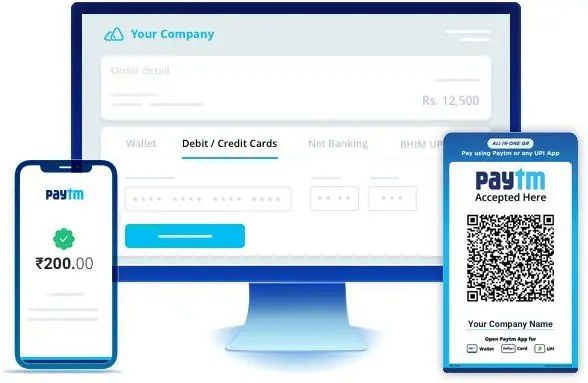
I’ve been doing my mobile recharges and electricity bill payments through Paytm for over two years now. It’s genuinely convenient — I get reminders when my bill is due, and the payment confirmation comes within seconds. Compared to standing in line or logging into five different portals, this feels like a huge upgrade.
Cashback and Rewards
Let’s be real — the Paytm cashback offers are one of the reasons most people stick around. I’ve earned cashback on everything from movie tickets to electricity bills. It’s not always massive amounts, but it adds up. I personally track the offers section before making any big payment, and I’ve saved a decent amount over time.
Small Features That Actually Helped Me
Beyond the big stuff, a few smaller features really stood out to me:
- Paytm Wallet — Handy for smaller transactions where I don’t want to link my bank every time. The Paytm wallet balance is easy to load and use instantly.
- Transaction History — Clean and easy to read. I’ve used it multiple times to track my own spending habits.
- Passbook Feature — A nice addition for keeping things organized that I discovered months in.
- Split Bills — Surprisingly underrated. I’ve used this after group dinners and it works without any drama.
Is Paytm Safe to Use?
This is honestly the question I get asked the most whenever I mention this Paytm review to anyone. Security is a big deal when you’re talking about a secure payment app that handles your money.
My Thoughts About Security and Privacy
From what I’ve personally experienced and observed, Paytm does take security seriously. There’s a PIN requirement for transactions, two-factor authentication, and real-time fraud alerts. I’ve never had a security issue myself, though I did once get a suspicious SMS about a transaction I didn’t make — Paytm’s support flagged it quickly when I reported it. That said, I’d always recommend using a strong PIN, not saving your UPI PIN anywhere on your phone, and enabling app lock. No digital payment app is 100% bulletproof, but Paytm’s precautions are solid for everyday use.
What I Didn’t Like – Honest Paytm Review Observations
Customer Support — This is probably my biggest frustration. Getting a real human on chat support takes too long. I’ve had a couple of failed transactions where the money was deducted but didn’t reach the merchant. Resolving those took a few days of back-and-forth.
Too Many Notifications — The app sends a LOT of promotional notifications. I had to go in and manually turn most of them off. It felt aggressive.
App Performance — On older phones, I’ve noticed some sluggishness and occasional crashes. It’s not a dealbreaker but worth mentioning.
Cluttered Home Screen — Even as someone who’s used to it, I still think the home screen tries to do too much. A cleaner design would help.
Pros and Cons of Paytm
Pros:
- Fast and reliable Paytm UPI payments
- Good cashback offers and rewards
- Covers a huge range of payment categories
- Easy onboarding and simple registration
- Works well as a mobile wallet app
Cons:
- Customer support can be slow to respond
- Notification spam is real
- Home screen feels cluttered
- Can be slow on budget devices
Final Small Things Users Should Know
- Always keep your KYC updated — it unlocks higher transaction limits on the Paytm wallet.
- Check the Offers section before every major payment — you might be surprised.
- Use the Passbook feature to stay on top of your monthly spending.
- If a transaction fails, wait 24 hours before panicking — most auto-reversals happen quickly.
Final Verdict – Is Paytm Worth Using?
After everything I’ve shared in this Paytm review, my honest answer is: yes, with some caveats.
Paytm is not a perfect app. The customer support needs work, and the cluttered UI can be a bit much. But as a daily-use digital payment app? It genuinely makes life easier. I use it for UPI payments, bill management, wallet transactions, and grabbing cashback deals — and it delivers on all of those fronts consistently.
If you’re looking for a reliable, feature-packed secure payment app that goes beyond just UPI, Paytm is absolutely worth having on your phone. Just go in with realistic expectations, configure your notification settings on day one, and keep your KYC updated.